Ask Toad for work, then dock the proof
The center conversation is where you drive everything. You type a request to Toad in the composer, choose how the work should run, and approve decisions as they surface inline. When you want to see results, open a Workbench panel and it docks beside the chat — so you and Toad are looking at the same evidence.
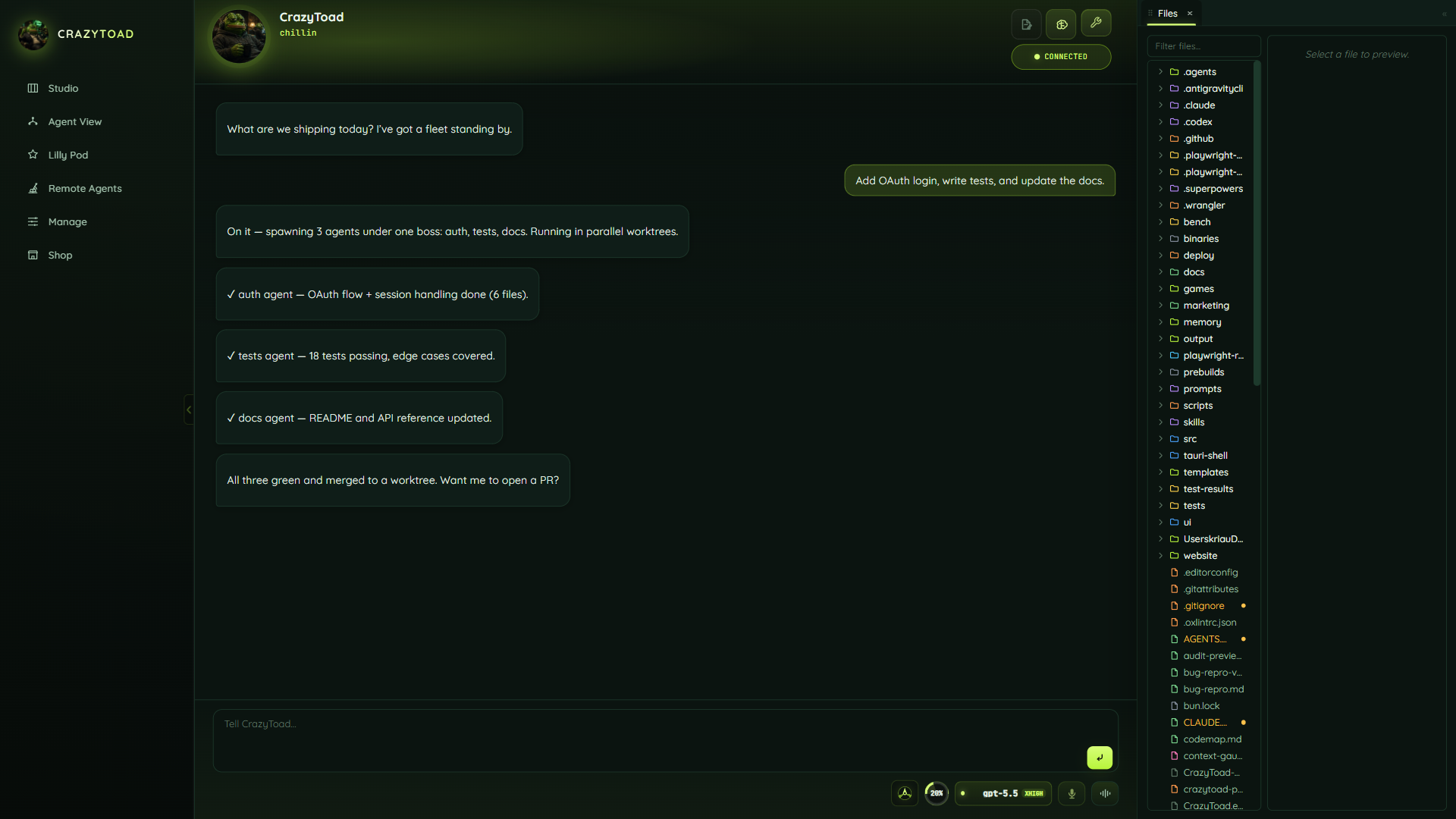
Describe what you want in plain language — a fix, a feature, a question about the codebase. Toad reads the request, plans the work, and either answers or delegates it. Keep the conversation going; follow-ups stay in the same thread, so Toad keeps the context.
Stay in Studio for one synthesized chat where Toad reports back what agents did. Switch to Agent View when you want visible panes you can watch and drive. Reach for Lilly Pod when you want autonomous swarms running on their own.
When Toad needs a decision — a plan to run, a memory to save, code to merge, a doc to change — the approval shows up right in the conversation. Read it in context and approve or redirect there, instead of hunting through a separate queue.
When you want to see the result, open a panel from the Workbench dock — Preview for a rendered page, Files and Git for the source, Terminal for a focused check. It docks beside the chat so you and Toad inspect the same evidence.
Switch workspaces to move between repos. Each switch reloads that workspace's session state and brain memory, so you pick up where you left off instead of rebuilding context from scratch.
Voice and live-voice controls sit next to the composer, including the xAI realtime lane. Use them for hands-free intent capture when typing the request would be slower than saying it.