Three kinds of extension
Reach for the Shop when CrazyToad is missing something it needs to do a job — access to an outside service, a procedure it should follow, or extra app behavior. Pick the kind that matches what you are adding.
Browse, probe, approve, install
Shop items carry a kind, source, risk level, network footprint, and install scope. Known tools can be installed directly after you inspect them. New tools can be described to Toad, built on demand, and registered through the same installer lane.
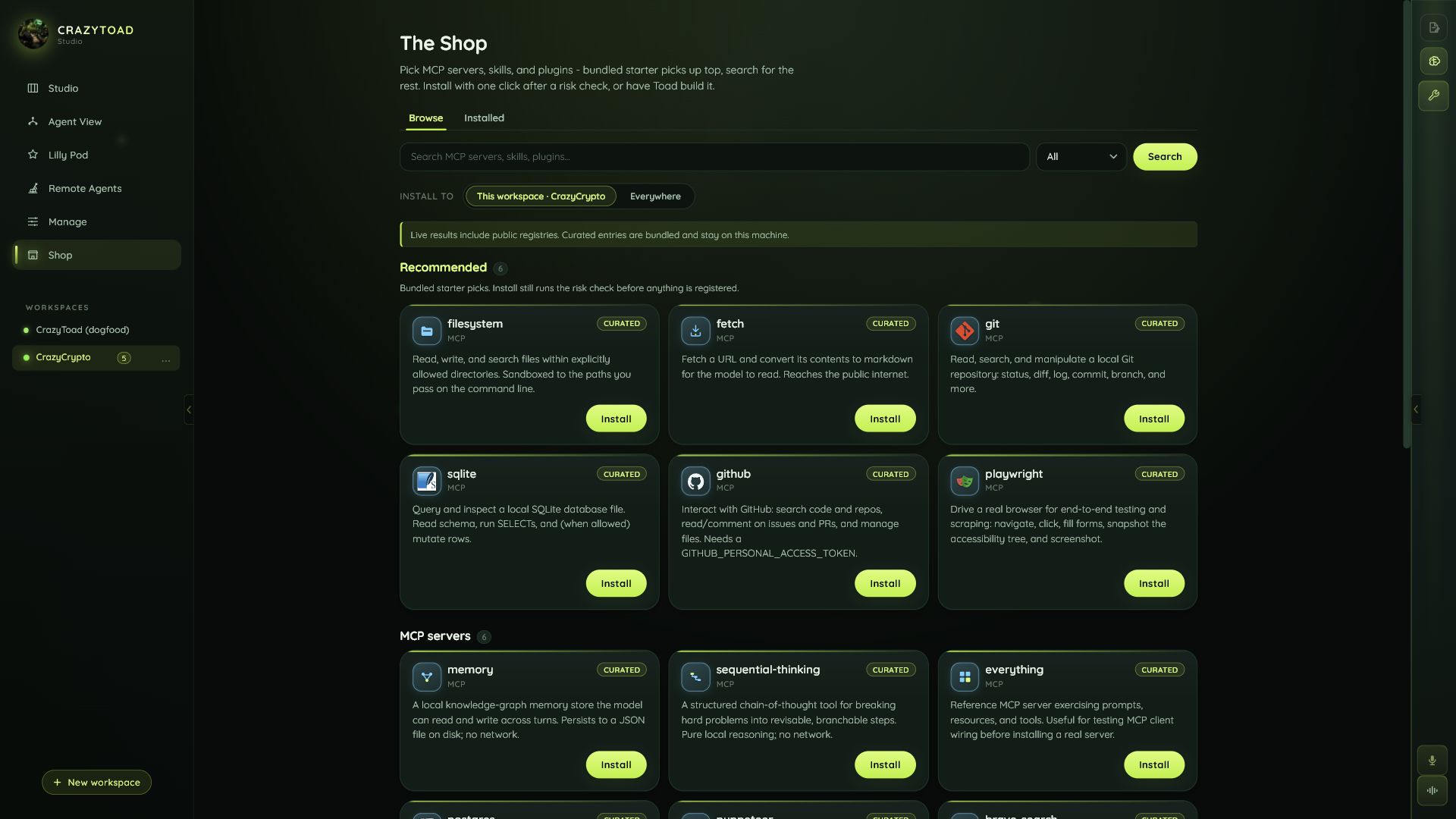
Choose MCP servers, skills, or plugins depending on whether you need tool access, procedural knowledge, or app extension code.
Network access, source, permissions, and install scope are visible before approval.
Workspace installs stay with one repo. Global installs are for tools you want everywhere.
Describe the missing capability and let CrazyToad scaffold the extension path instead of leaving the app.