Turn a Linux box into your own coding agent.
Your own Linux box becomes a confined, approval-gated coding agent.
- Runs as unprivileged user
- Confined to its workspace
- Gated by approval ladder
- Hosts unlimited, 2 agents each
- Cost daily spend cap
- Install the provisioner — from the app over SSH, or a one-liner on the box.
- Add the SSH host — key-only auth; the host key is verified and pinned.
- Install the agent — pick a driving account (API or local, not subscription).
- Set the run envelope — start low on the four-rung ladder, raise with trust.
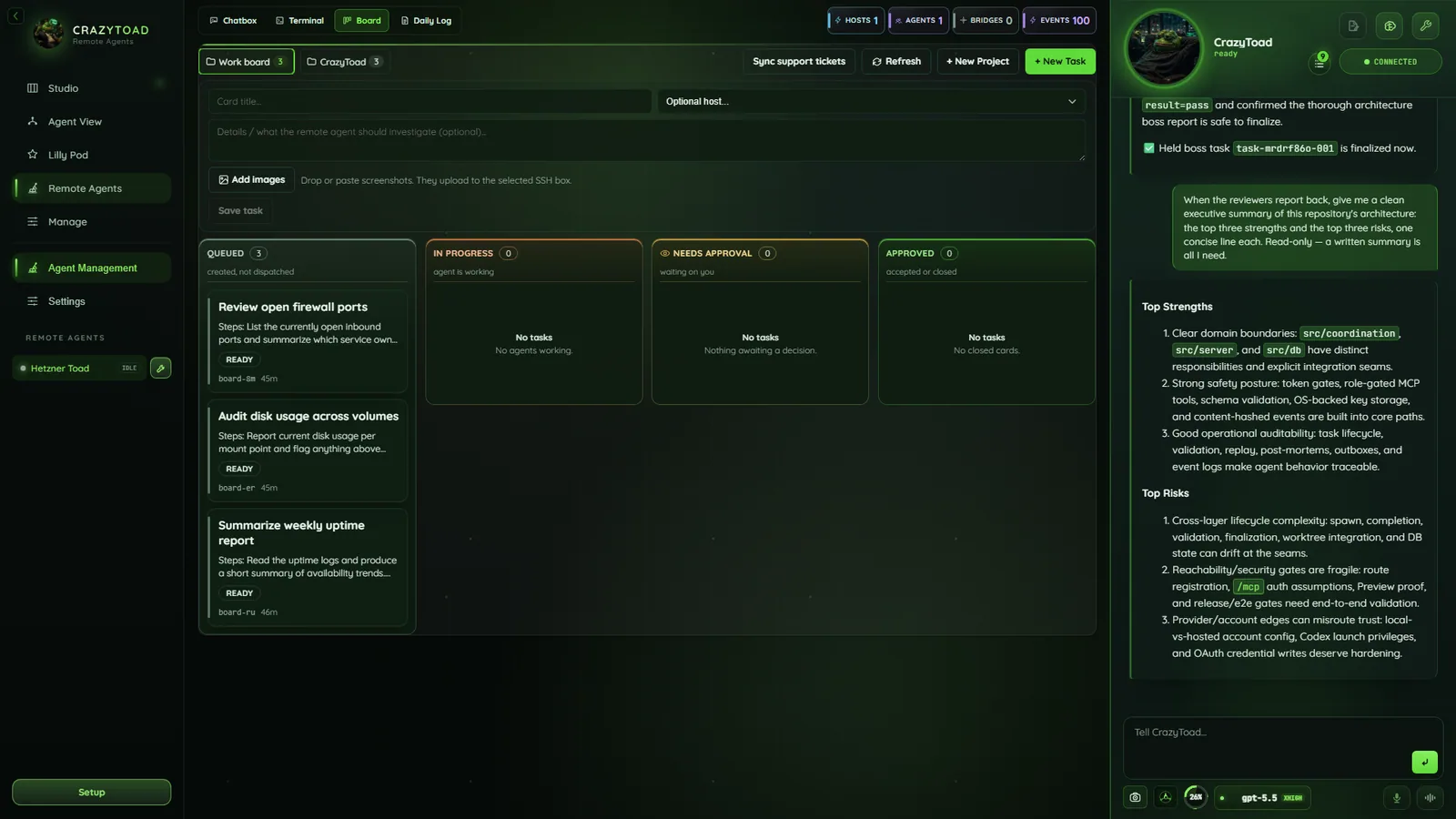
Chatbox, overview, live stream, daily log, and agent rail
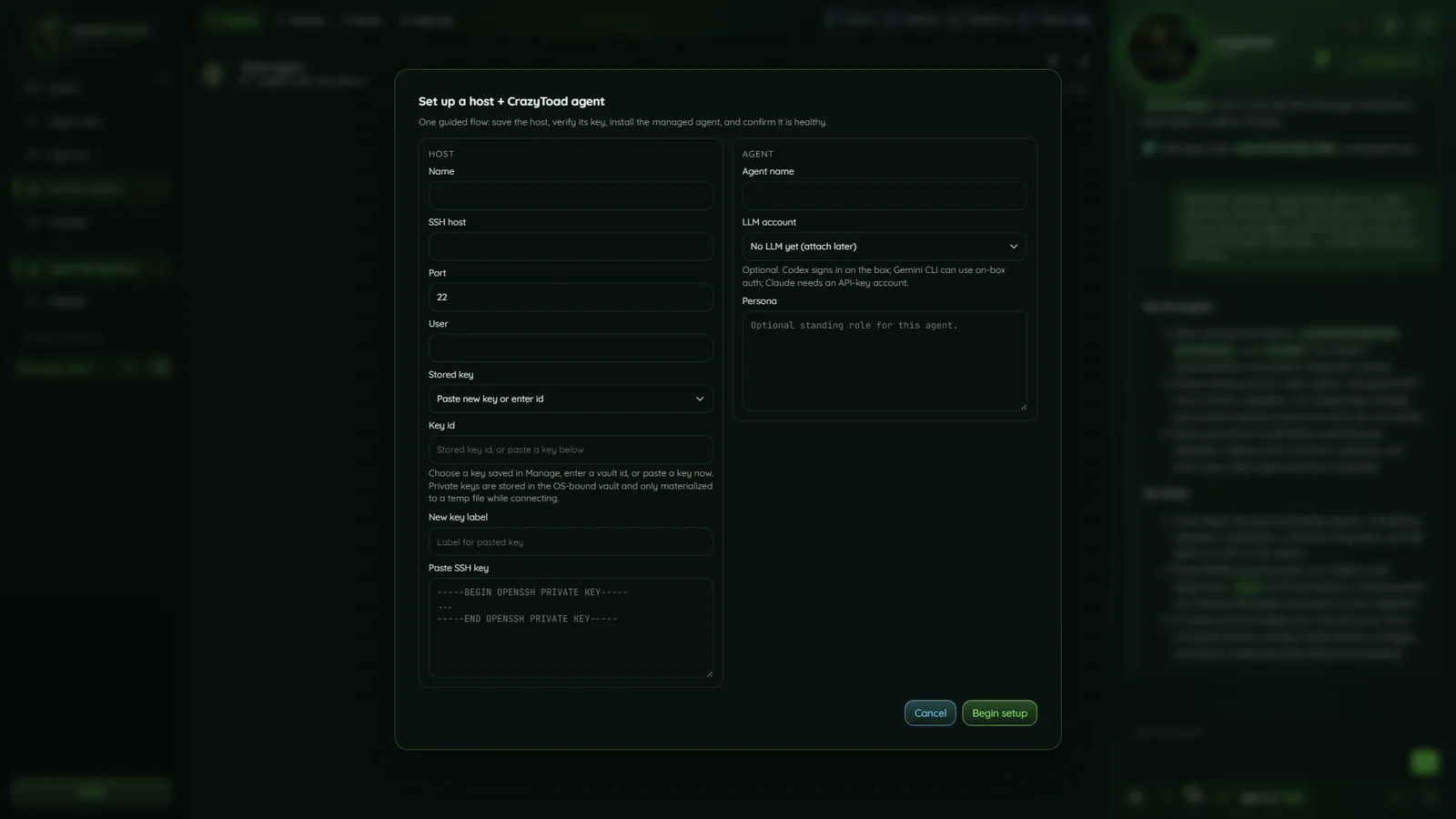
Host setup with sensitive details redacted
What the agent can do on your box
Three verb classes, each with its own safety rung — the headline is full claude -p / codex exec loops on the host.
git status, run tests — even in observe/suggest.claude -p / codex exec loops, confined as the work user.gh CLI.Confined by the OS, then again in software
The OS is the load-bearing wall — every write, command, and LLM loop drops to crazytoad-work; software guards layer on top.
crazytoad-work user owns the workspace..., outside-absolute, and symlink escapes blocked..env / .ssh / keys / credentials / /etc refused at every rung.Three ways to install — on unlimited hosts
Every route runs the same idempotent provisioner: Rust ToadAgent binary, unprivileged work user, workspace, hardened systemd unit, locked-down box (UFW SSH-only, fail2ban, key-only SSH).
- From the app over SSH — Remote Agents → add an SSH host → Install / Connect; CrazyToad deploys everything for you.
- One-line, on the box — as root on the target:
curl -fsSL https://github.com/crazylegs-dom/crazytoad-releases/releases/latest/download/install.sh | sudo bash - Windows wrapper — drive the install over SSH:
./install.ps1 -HostName <ip> -User root -KeyPath <key>
Add an SSH host
Click Add SSH host. Key-only auth — no password field; keys live in the Manage vault.
22.-----BEGIN OPENSSH PRIVATE KEY-----.Install the CrazyToad Agent
Open Install CrazyToad Agent: managed install, or generic log tail. The managed agent streams health, answers Chatbox, and self-tests; the driving account comes from Accounts.
/usr/local/bin/crazytoad-agent stream./usr/local/bin/crazytoad-agent chat -q {{message}}.{{message}} placeholder in the Message command.Set the run envelope
A four-rung ladder from least to most autonomy — start low, raise with trust, and list Protected paths it must always pause on.
/etc/**, **/.env./etc/** and **/.env.Manual release install (advanced)
The managed route is canonical; offline rollouts use only the release-published binary and SHA-256 checksum — never a development source file.
- Verify the release — match the binary to the published SHA-256 checksum.
- Stage and probe — run health and provider checks against the existing config; live service untouched.
- Swap atomically — keep the old binary for rollback, replace, restart, confirm health, then register the host.
crazytoad.remote-agent.v1 — newline-delimited JSON, 15s heartbeat. Once attached, Brain management catalogs its connections as live, planned, or error.